How OXMODE Uses NocoBase as a Blog CMS
Moving the OXMODE blog into NocoBase was not just a storage migration. The goal was to build a publishing workflow that is comfortable for the team, while still keeping performance, SEO, and a local fallback in case the external system fails.
1. What the old workflow lacked
Before the migration, blog content lived in local files. That kept things simple, but it had three major downsides:
- Editing content required touching the codebase.
- Non-technical teammates could not easily publish posts.
- Maintaining bilingual VI/EN content was getting messy.
So we needed a CMS with a friendly authoring experience and an API the website could read directly.
2. Why NocoBase
NocoBase works well because it lets us build a content workflow without rebuilding the entire admin panel from scratch. For the blog, we needed very specific pieces:
title_vi/title_enexcerpt_vi/excerpt_encontent_vi/content_enin Markdown/Vditorcover_imagefor real image uploadstags,category,featured,status
Even more importantly, NocoBase gives the content team a familiar flow: write the post, preview it, publish it, and let the website update automatically.
A good CMS is not just a database. It should make writing feel easy on a daily basis.
3. How the data is structured
The blog now uses two main collections:
blog_categoriesfor topic groupsblog_postsfor bilingual posts
Each post has a clear category, a unique slug, VI/EN content, tags, a cover image, and a publish status. That means the frontend only needs API data to render the article.
4. Why the content must be Markdown/Vditor
A serious blog should not force writers to deal with raw JSON blocks. When the content team opens the post form, they need:
- Headings
- Bullet lists
- Quotes
- Links
- Inline images
Markdown/Vditor fits that workflow well. It preserves formatting better than a plain textarea, while remaining lightweight enough to store and render through the API.
5. Why the website still keeps a local fallback
Even though NocoBase is the source of truth, the OXMODE website still keeps a local fallback. The reason is simple:
- The blog should never go blank if the API slows down or fails.
- Build and prerender can still run with content available.
- SEO is safer when the site is not fully dependent on one external system.
This is a principle we value a lot: the CMS can be primary, but the website must still survive when the CMS has issues.
6. The current publishing workflow
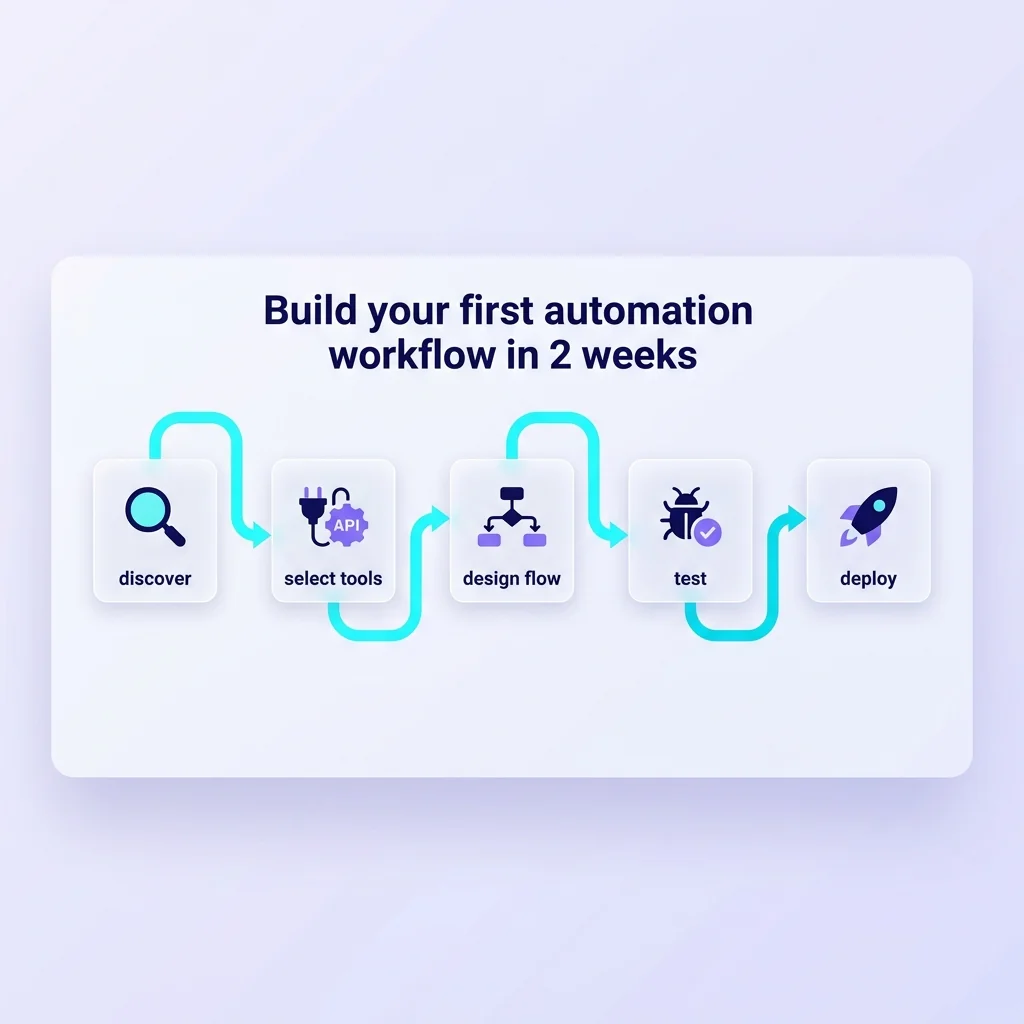
The workflow is now quite lean:
- Open NocoBase
- Create a new post
- Write VI/EN content in the right editor
- Upload the cover image
- Set category and tags
- Switch status to published
- Let the website show the new post automatically
No code change is needed for everyday publishing.
7. Conclusion
For OXMODE, NocoBase is not just a content backend. It is the operational layer that helps the team publish faster, more cleanly, and with less dependency on engineering.
In the long run, this is the kind of setup a company website should have: easy to write, easy to review, easy to scale, and resilient when something breaks.