
In Lean Manufacturing philosophy, repetitive actions that do not add value are termed waste (Muda). In the modern office, this translates to copy-pasting data, sending manual reminder emails, or migrating files between apps.
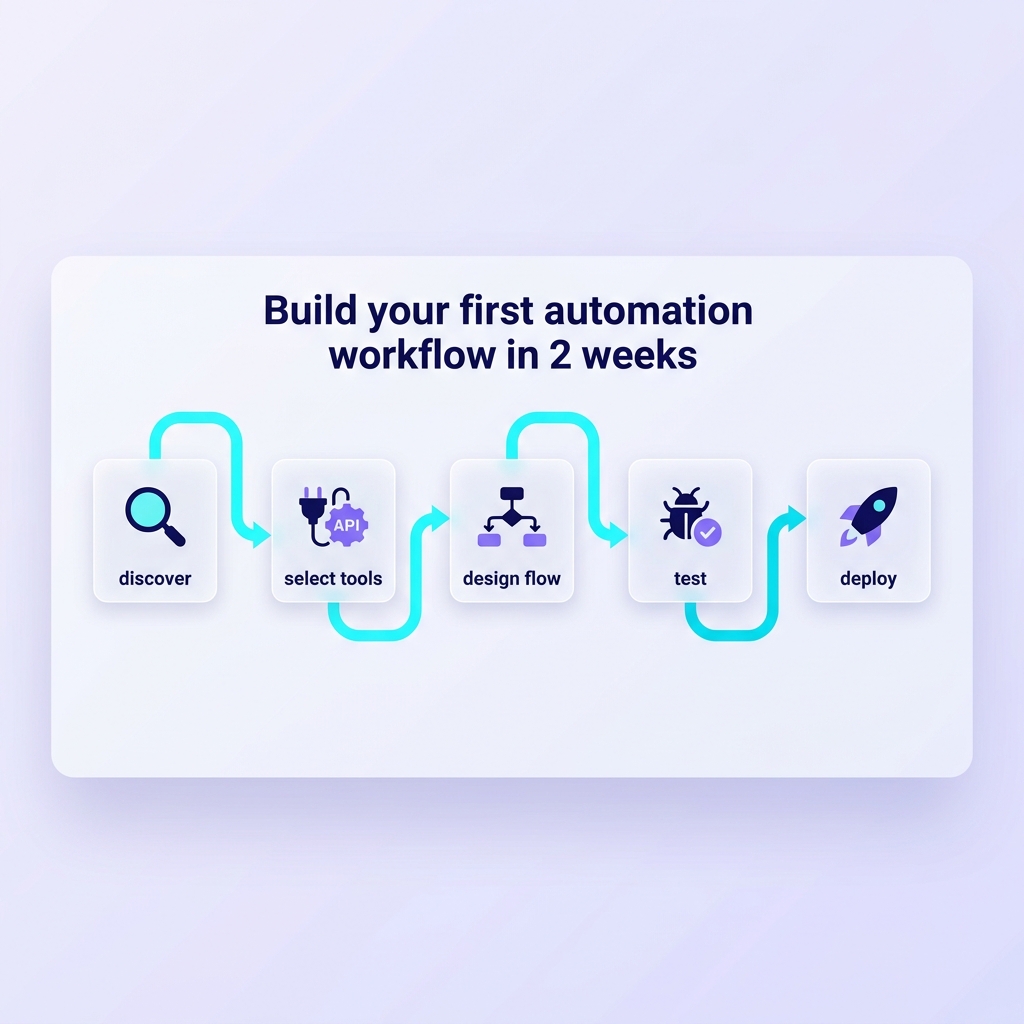
You don't need to know how to code, nor hire an IT firm, thanks to iPaaS (Integration Platform as a Service) tools like Make.com or Zapier. Here is a 5-step playbook to build your own automation.
Step 1: Audit and Choose Use Case (80/20 Rule)
Don't automate something you only do once a month. Use a Frequency vs Time matrix. Select a process that meets 3 criteria: Static logic (Rule-based, no human judgment required), High frequency (Daily), and highest time consumption. Classic example: Automatically generating/sending an invoice upon payment receipt.
Step 2: Process Mapping
Do not jump into the software immediately. Grab pen and paper and map it out: Trigger (What starts it? e.g., New email arrives), Action (Subsequent processing steps), Branching Logic (If A do B, If C do D). This prevents logic tangles when you start dragging and dropping in Make.
Step 3: Build the Happy Path First
The Happy Path is the ideal scenario where all data is perfect. Build this main flow to execute 100% successfully. Don't clutter the initial phase with complex Error Handling which makes the flow cumbersome.
Step 4: Sandbox Testing and Edge Cases
Run tests with dummy data. Deliberately introduce Edge Cases: Client enters wrong email format, name too long, missing required info. Observe how the automation "breaks" to wrap it with necessary Filters and Text parsers.
Step 5: Go-live and Alert Setup
After going live, setting up an Error Handler is mandatory. For instance: If the Zalo Messaging API fails, Make should automatically branch out and send a warning to your Telegram rather than failing silently.
By mastering this playbook, a single average employee can do the work of three, supported by dozens of bots running 24/7.